One Digit

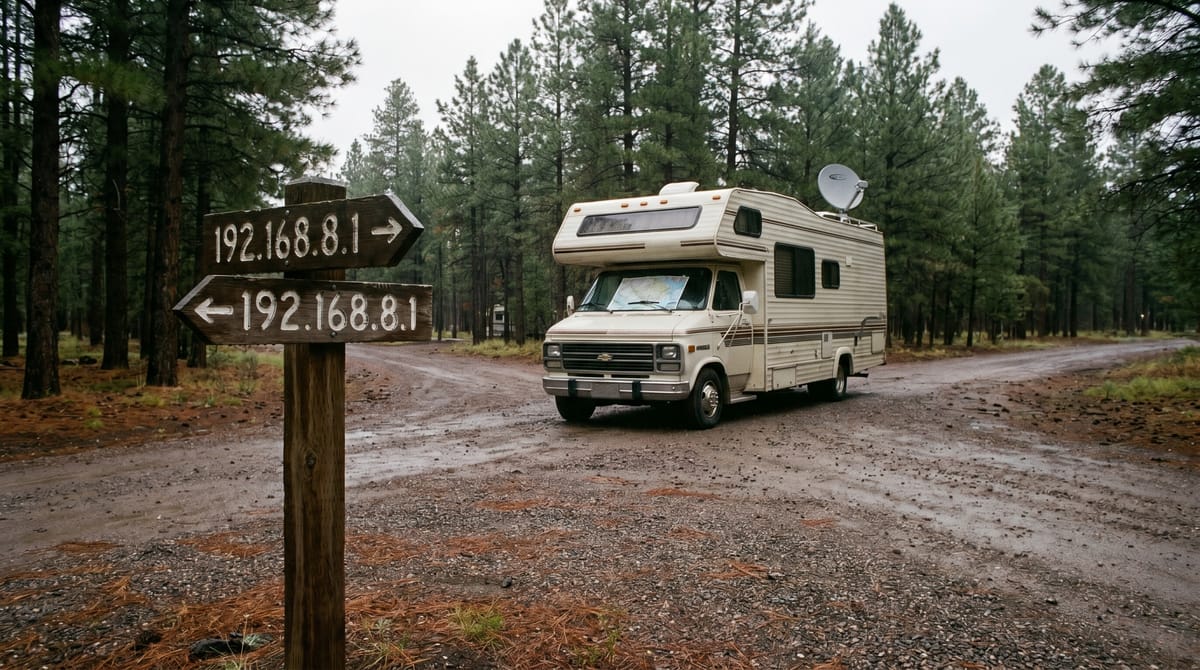
I should have been annoyed. But I wasn't.
It was one of those days where the work just flows. Small projects stacking up and getting knocked down one at a time, the kind of momentum you don't want to interrupt because once it's gone you spend the rest of the afternoon trying to remember what you were doing. I was starving like a hostage and seriously considering whether the tortilla chips in the back of the pantry still counted as food or if they had crossed over into the realm of building material. The phone rang, snapping me in an instant out of the I wonder if shoe leather actually has nutritional value discussion that was percolating through my brain. The smart move would have been to let it go to voicemail.
It was Michael. I picked up.
Michael is a retired teacher—a former colleague from a different life—who now lives in an RV and tours the country picking up odd jobs because he retired too young to sit still. He's had a GL.iNet travel router in his rig for years now, running on its factory defaults: SIM card for cellular, Wi-Fi repeater for campground networks. The only thing I ever touched on that box was configuring his Starlink dish as a policy route for when he's off-grid. The rest of it, the LAN settings, the DHCP range, the default gateway, was whatever the router shipped with out of the box. Nine years on the road and it never mattered.
"I'm not sure what witchcraft is going on," he said, "but I can't get on the campground Wi-Fi. All I've got is cell." But from the speedtest we ran, the signal was weak enough that you might consider it barely usable.
I had him share his screen. macOS has a screen sharing app baked right in, and once I could see the GL.iNet admin panel we were looking at the same picture. Internet sources on the left, router in the middle, LAN to the right. Everything looked connected. The Wi-Fi repeater showed a link to the campground's network. But traffic wasn't moving.
The first clue was the DNS.
The resolver address coming back was... wrong. Not wrong in a this is broken way. Wrong in a this doesn't belong to us way. A quick WHOIS lookup confirmed it: the DNS was resolving to a local ISP in Michigan. Which is exactly where Michael happened to be parked. That DNS had no business showing up on his LAN unless something upstream was leaking into his network in a way it shouldn't be.
A few more things that didn't add up. And then it clicked.
The GL.iNet router ships with a default LAN of 192.168.8.0/24. That's fine. Millions of these things run on that address space without issue. Until you connect one to an upstream network that's also using 192.168.8.0/24. Which is apparently what the campground's ISP had configured on their equipment.
Two networks. Same address space. One router with an arm in each, unable to tell them apart.
This is where it got interesting, not for me, but for Michael. Because once I could see the problem, I had to explain the problem. And that's the true test of your knowledge on a subject. "If you can't explain it simply, you don't understand it well enough." Michael was just about to have that aha moment, and I was going to be there for it. Well worth the price of admission, even if it meant my stomach was attempting to join the conversation with all the noise it was making.
"Look at the diagram," I said. "Your router has one interface facing the campground and one interface facing your LAN. Both networks are 192.168.8.0/24. Both have a gateway at 192.168.8.1. So when a device on your network says I need to reach the internet, where's the exit?—it gets two answers. Your GL.iNet says I'm the gateway, send it to me. And the campground's router says No, I'm the gateway, send it here. Same address. Both claiming to be the door."
You could hear it on his voice over the screen share as it landed. That moment where the abstract becomes concrete.
"So it's not that the connection is broken," he said. "It's that nothing knows where to go."
Exactly. And it gets worse. It's not just the gateways competing, it's the DHCP servers too. Both networks are advertising the same address range to any device that asks for one. A device connecting to Michael's LAN could receive its IP assignment from the campground's DHCP server instead of his router's, or vice versa. At that point you've got devices with addresses that technically belong to both networks, default routes pointing at ambiguous gateways, and ARP tables full of conflicting entries because multiple devices across both networks may share the same IP. Nothing is broken in the sense that an interface is down or a cable is unplugged. Everything is configured. Everything is live. And nothing works, because the addressing that's supposed to tell traffic where to go is pointing in two directions at once. It's actually kinda surprising Michael's router wasn't causing conflicts for neighboring RVers.
The only reason Michael still had any internet was the SIM card. That connection routes through the cell tower on a completely separate interface. It never touches the campground network, so it never encounters the overlap.
The fix was almost comically simple.
We changed the LAN subnet from 192.168.8.0/24 to 192.168.9.0/24. One digit. The moment we applied it, traffic started flowing through the campground Wi-Fi like nothing had ever been wrong.
There was a brief moment of panic when the admin page disappeared—because of course it did, the router's address had just changed from 192.168.8.1 to 192.168.9.1—and Michael had to dig out his little notebook of passwords of important things and reassociate with the Wi-Fi at the new gateway. But once he was back in, everything worked. Load balancing, policy routing, all of it. One digit was the difference between a functioning multi-WAN setup and a router arguing with a campground over who gets to be the exit.
Nine years. Michael has been on the road for nine years. Not the entire time with that router mind you... but the router has been on its factory defaults the entire time he's had it, connecting to campground Wi-Fi in every state, and this was the first time he ever hit an overlap. That's how rare it is. But rare doesn't mean impossible, and the fact that it took nine years to surface is exactly what makes default configurations dangerous. You start to trust them because they've always worked, and then one afternoon in Michigan they don't, and you're on the phone with a guy who skipped lunch trying to explain why two networks can't both be 192.168.8.0/24.
I have a hunch about what happened on the campground's end. The GL.iNet's default subnet is 192.168.8.0/24, and that's not a common range for consumer ISP equipment. Most home routers ship with 192.168.0.1 or 192.168.1.1. The fact that the campground's network was using the exact same /24 makes me wonder if their ISP, or whoever manages the park's network, is running GL.iNet hardware too. I can't confirm it. I'll never know what's sitting in that campground office. But the overlap is suspicious enough that I'd put money on it being the same brand, same factory defaults, same it works, so why change it reasoning on both ends.
Which brings me to the only real takeaway here: change your defaults! It takes thirty seconds. Pick a subnet that isn't whatever the manufacturer chose for you. 192.168.47.0/24. 10.0.99.0/24. Anything. Because the default exists for the convenience of the factory, not for the uniqueness of your network, and the one time in nine years that it matters, it really matters.
I hung up and realized I'd completely forgotten I was hungry.
That was supposed to be a lunch break. It was the highlight of my day.