Full Neighborship, Nothing Learned

The ping worked on the first try, after a couple hours.
My home network is not a lab. It's the network my wife and daughter use every day, which means the unspoken design constraint is that Netflix must never go down. Korean dramas do not pause themselves, and my wife's tolerance for "I'm just going to reconfigure something real quick" has been calibrated over the years.
But she and my daughter are visiting my in-laws for the summer. Which means the network is mine. Ich habe Sturmfrei!
I'd been wanting to enable OSPF for a while. The topology had the right pieces—a pair of Juniper EX3300s handling Layer 2 switching, a UDM tackling router on a stick and the WAN (replacing a pair of EdgeRouter Xs I had set up as a VRRP group because why wouldn't I?). Only problem… the UDM couldn't actually speak OSPF when I got it. I'd picked it up on Craigslist about a month earlier for $70. A UDM from 2020, purchased in 2026, which is a sentence that probably says a lot about me. It also didn't support OSPF. That made it the third Craigslist find I'd spent money on before realizing it couldn't do the one thing I wanted. The first two were the Junipers.
Then UniFi OS 10.4 dropped, and the UDM finally got OSPF support. Between that and working so closely with the Summer of CCNA—which had me excited about hands-on labs again, real hardware, real cables, real mistakes—the timing was right.
The goal was specific: get OSPF running so routes between the EdgeRouter Xs and the UDM would propagate dynamically. No static routes. And ideally without killing Netflix from seven thousand miles away, though with the house empty the stakes were mostly academic.
Before any of this, though, I had to get into the EdgeRouters.
I'd factory-reset them both—clean slate, no lingering config from before. The problem with a factory-reset EdgeRouter X is that it came back with no IP address. I must have held the reset button too long or something. The web interface was gone. SSH, gone. Both devices powered on and blinking and completely unreachable from my Mac.
The last resort was serial console. I've done it before. I even have a short post and video of how to do that here. Open the case, find the UART pads on the circuit board, connect an FTDI USB-to-serial adapter, and talk to the thing directly. As far as electronics are concerned, it's child's play; in terms of the OSI model, this is less than Layer 1. This is unfurling useless umbrellas under hurricane conditions.
The first EdgeRouter X cooperated. Four male pins already soldered to the pads on the board (I vaguely remember doing that while still in Seoul), female Dupont jumper wires connected straight to the FTDI adapter—TX, RX, GND—and a terminal window open at 115200 baud, because that's what the internet said was correct. What I got was a screen full of gibberish. Fast-scrolling garbage characters that eventually stopped, leaving a cursor blinking on nonsense. It looked like the device was frozen mid-boot, or stuck in a loop, or just dead.
It wasn't. 115200 is the baud rate the kernel uses after it's already booted. During the initial boot sequence, the serial console runs at 57600. So the gibberish was real output at the wrong speed, and the silence was a login prompt I couldn't read. Switching to 57600 gave me clean output, a console prompt, and a way to assign an IP address and get back to the web interface.
The second EdgeRouter X was not as cooperative.
Somebody had already attempted to solder male pin headers onto those UART pads—and bridged the holes. The solder filled the gaps instead of making clean connections, leaving nothing for my jumper wires to attach to. So I got out the soldering iron. Desoldered the bridges, reflowed new headers, in a room whose smell was starting to give me a headache (seriously...proper PPE while soldering. And open a window)—all to assign an IP address to a router sitting three feet from my keyboard.
I went from soldering circuit board pads to running OSPF in a couple of hours, working off and on. The range of a single afternoon on this project. What else was I going to do? I had already spent enough time outside riding up Mt. St. Francis on my bike. A little time away from the sun's anger to battle network gremlins was a welcome change.
Now you might be thinking: isn't that Juniper EX3300 a Layer 3 switch? Capable of OSPF? Why wouldn't you invite it to the party? And the answer is that this particular Juniper was sold to me lacking any configuration whatsoever—including the advanced support license that would unlock what the EX3300 is actually capable of in software. Namely, OSPF. So the Juniper stays at Layer 2. It's a switch. Its job is to provide connectivity between the devices that are running OSPF. The UDM and the EdgeRouter X are the speakers. The Juniper is the room they're speaking in.
Which meant ge-0/0/3 on the Juniper became an access port on a new VLAN. VLAN 85. A dedicated transit VLAN for the OSPF adjacency, because putting routing protocol traffic on the management VLAN felt like the kind of shortcut that works until it doesn't. IYKYK. The trunk on ge-0/0/0 to the UDM got VLAN 85 added to its member list. Two ports, same VLAN, pure L2. The Juniper doesn't care what the routers are doing above Layer 2, and that's exactly the point.
The adjacency didn't come up.
The first EdgeRouter X had OSPF configured—router ID, hello timers, redistribute connected—all set through the web GUI, which is happy to let you configure everything around the protocol. What the GUI doesn't expose is the one thing that actually turns it on: the area 0 network statement. That lives in the CLI. And of course I hadn't set it—I was in the web interface, where as far as I could tell OSPF was fully configured. One line, typed into the command line:
set protocols ospf area 0 network 10.85.0.0/24
The adjacency came up immediately. Full state. The UDM and the first EdgeRouter X could see each other, exchange routes, the whole deal. But my Mac still couldn't reach the second EdgeRouter X at 10.85.1.1.
Troubleshooting this part was methodical in the way that networking forces you to be. My Mac could ping 10.85.0.1—the first EdgeRouter X on the transit link. So the forward path from my Mac through the UDM to the first EdgeRouter X was fine. The first EdgeRouter X could ping 10.85.1.1 from its switch0 interface at 10.85.1.2. So the link between the two EdgeRouters was fine. But when I sourced the ping from 10.85.0.1—the eth0 address on the transit side—10.85.1.1 went silent.
That narrowed it down. The second EdgeRouter X had no route back to my Mac's subnet. It only knew about its directly connected networks—traffic could arrive, but the replies had nowhere to go.
The clean fix: run OSPF between the two EdgeRouters so the second one would learn routes dynamically. I configured OSPF on the second EdgeRouter X, added the 10.85.1.0/24 network to area 0, set up the adjacency on the link between them. The adjacency came up Full. The LSDB was fully populated—I could see every LSA from every router in the topology.
And still no routes.
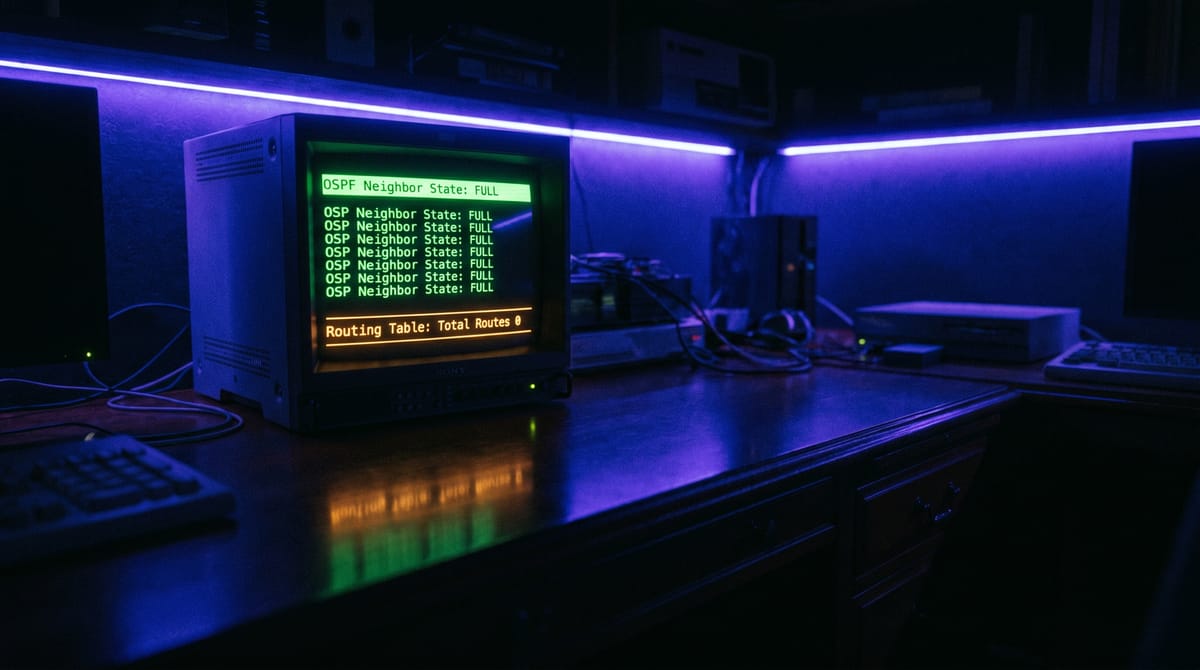
The second EdgeRouter X had a Full OSPF adjacency, a complete link-state database, and was installing zero learned routes. Just its own connected networks, sitting there like nothing had happened. The adjacency was a formality—handshake completed, information exchanged, and then apparently filed away and ignored.
This is the part where I stared at the screen for a while.
The second EdgeRouter X had a switch0 interface configured at 10.85.0.2/24. That address—I'd set it myself, over the serial console I'd spent an afternoon soldering my way into. I was so relieved to finally have access that I punched in an IP and moved on without checking what else on the network already owned it. The UDM owned it. On the OSPF transit VLAN, on a completely different physical segment—also 10.85.0.2. Same IP. Different networks. Both advertising themselves to OSPF.
This is what happens when you configure a network by the seat of your pants. A diagram—an actual diagram, with addresses written down—would have caught this before I ever typed the command. But I was working from memory and momentum, and momentum doesn't check for duplicates.
When OSPF ran Dijkstra's algorithm on the second EdgeRouter X, it saw a network LSA for 10.85.0.2—the UDM's designated router address on the transit link. But the second EdgeRouter X also had 10.85.0.2 on its own switch0. So the algorithm looked at that network, looked at its own interface, and concluded it could reach the transit network directly through switch0. Which it couldn't, because switch0 was on an entirely different Layer 2 segment. The path computation was poisoned. Every route that depended on traversing the transit network—which was all of them—computed to an invalid next hop and got discarded.
The fix was removing the 10.85.0.2 address from the second EdgeRouter X's switch0. The moment it was gone, the SPF calculation found valid paths, and every route flooded in at once. Default route from the UDM. All the VLAN subnets. The transit link. Everything. One IP conflict, hiding in plain sight, breaking the entire routing table without generating a single error message.
I keep coming back to how quiet this failure was. The adjacency was Full. The LSDB was complete. Every piece of OSPF was doing its job correctly—exchanging LSAs, maintaining neighbor state, running the SPF algorithm on schedule. And the SPF algorithm was running correctly, given the information it had. It computed the shortest paths using its link-state database and its local interfaces, and it arrived at a perfectly logical conclusion that happened to be wrong because the local interface was lying about what it could reach.
There was no error. No warning. No "hey, you've got two devices claiming the same IP on different segments." OSPF doesn't know about Layer 2 topology. It trusts that if you have an interface on a subnet, you can reach other devices on that subnet. And normally that's a safe assumption. Until it isn't.
It's the same lesson as the overlapping subnets problem I helped Michael with a while back, just wearing different clothes. Two things with the same address, both technically correct in isolation, both completely broken in combination. The symptom presents as nothing works and the cause hides behind the fact that everything looks configured. You don't find it by checking if things are up. You find it by asking which 10.85.0.2 are we talking about.
The topology works now. Three OSPF speakers—UDM, first EdgeRouter X, second EdgeRouter X—all in area 0, all exchanging routes dynamically through a Juniper switch that has no idea OSPF exists. The Juniper provides the room. The routers have the conversation. And somewhere in the middle of all of it, I learned that the hardest bugs aren't the ones where something is broken. They're the ones where everything is working exactly as designed, and the design has a contradiction you haven't noticed yet.